To select a good laptop, first define your needs and budget, then choose an operating system and determine the required processing power (CPU), RAM, and storage. Other factors include screen size and quality, battery life, form factor (like a standard laptop or 2-in-1), and available ports.
1. Assess your needs and budget
- Purpose: Be honest about how you will use the laptop. Will it be for simple tasks like web browsing and email, or for more demanding activities like gaming, video editing, or design?
- Budget: Set a budget to narrow down your options. Prices vary widely depending on the hardware and features.
2. Choose the operating system
- Windows: A widely compatible and versatile choice for most users.
- macOS: Found on Apple MacBooks, known for its user-friendly interface and integration with other Apple devices.
- ChromeOS: Designed for web-based tasks and often found on more budget-friendly laptops.
3. Determine hardware specifications
- CPU (Processor): For everyday tasks, a modern Intel Core i5 or equivalent is sufficient. For demanding tasks, consider a higher-end model like a Core i7 or equivalent, or processors with an “H”, “HX”, or “HS” designation.
- RAM (Memory): 8GB is a good starting point, but 16GB provides a better balance for most users. Those who multitask heavily or use professional software may need 32GB or more.
- Storage: An SSD (Solid State Drive) is significantly faster than an HDD (Hard Disk Drive). Aim for at least 256GB for the operating system and your files, with 512GB or 1TB being better for larger amounts of data.
- Graphics (GPU): If you plan to game or do graphic-intensive work, look for a laptop with a dedicated graphics card. For general use, the integrated graphics in the CPU are usually sufficient.
4. Consider physical and design factors
- Screen Size and Resolution: Choose a screen size that balances portability and viewing comfort. Common sizes are 13, 14, 15, and 17 inches. A higher resolution (like 1920 x 1080 or higher) will result in a sharper image.
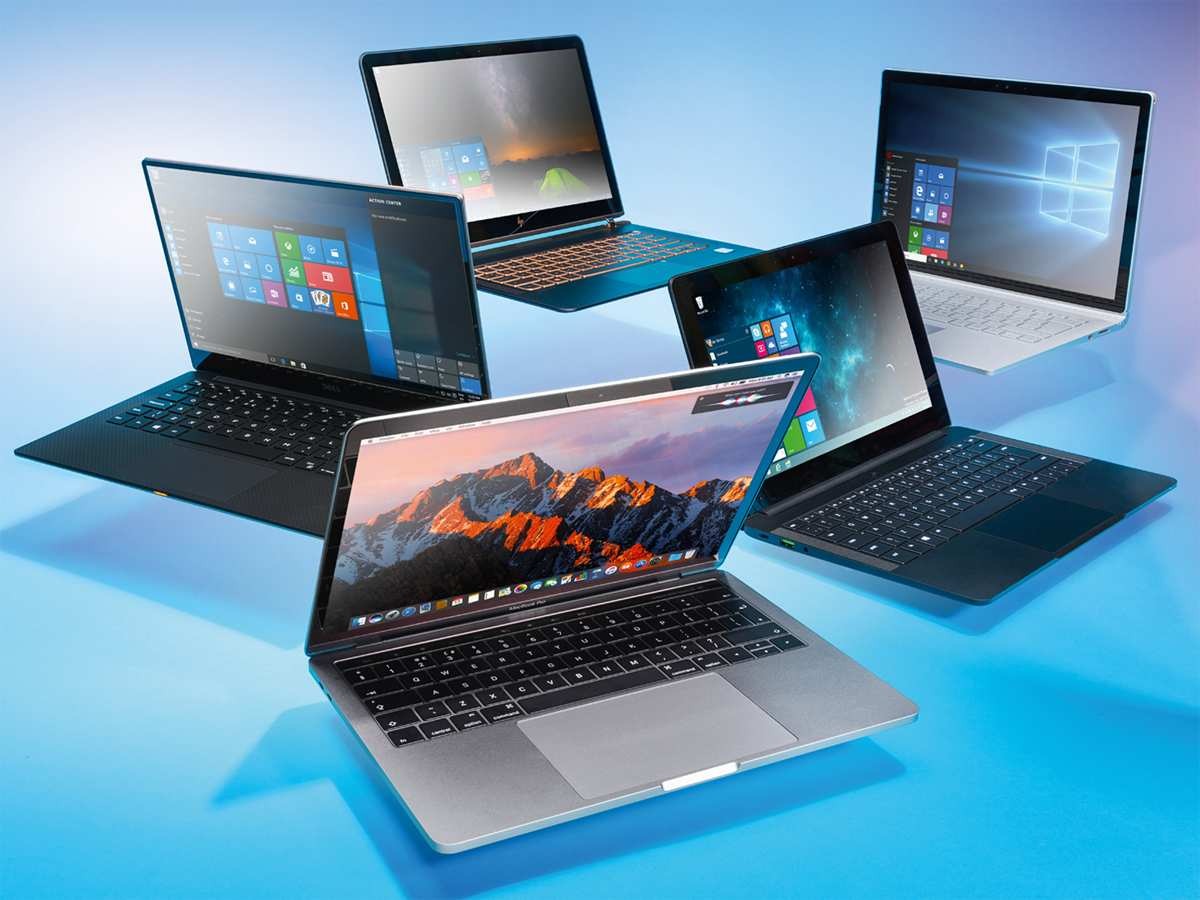
- Form Factor: Decide if you need a standard laptop, a 2-in-1 that can convert into a tablet, or a lightweight ultrabook.
- Battery Life: Look for a laptop that fits your typical usage patterns. If you plan to work away from an outlet often, prioritize models with long battery life.
- Ports: Ensure the laptop has the connectivity you need. Look for USB-A, USB-C (with Thunderbolt if possible), HDMI, and an SD card reader if you use those frequently.